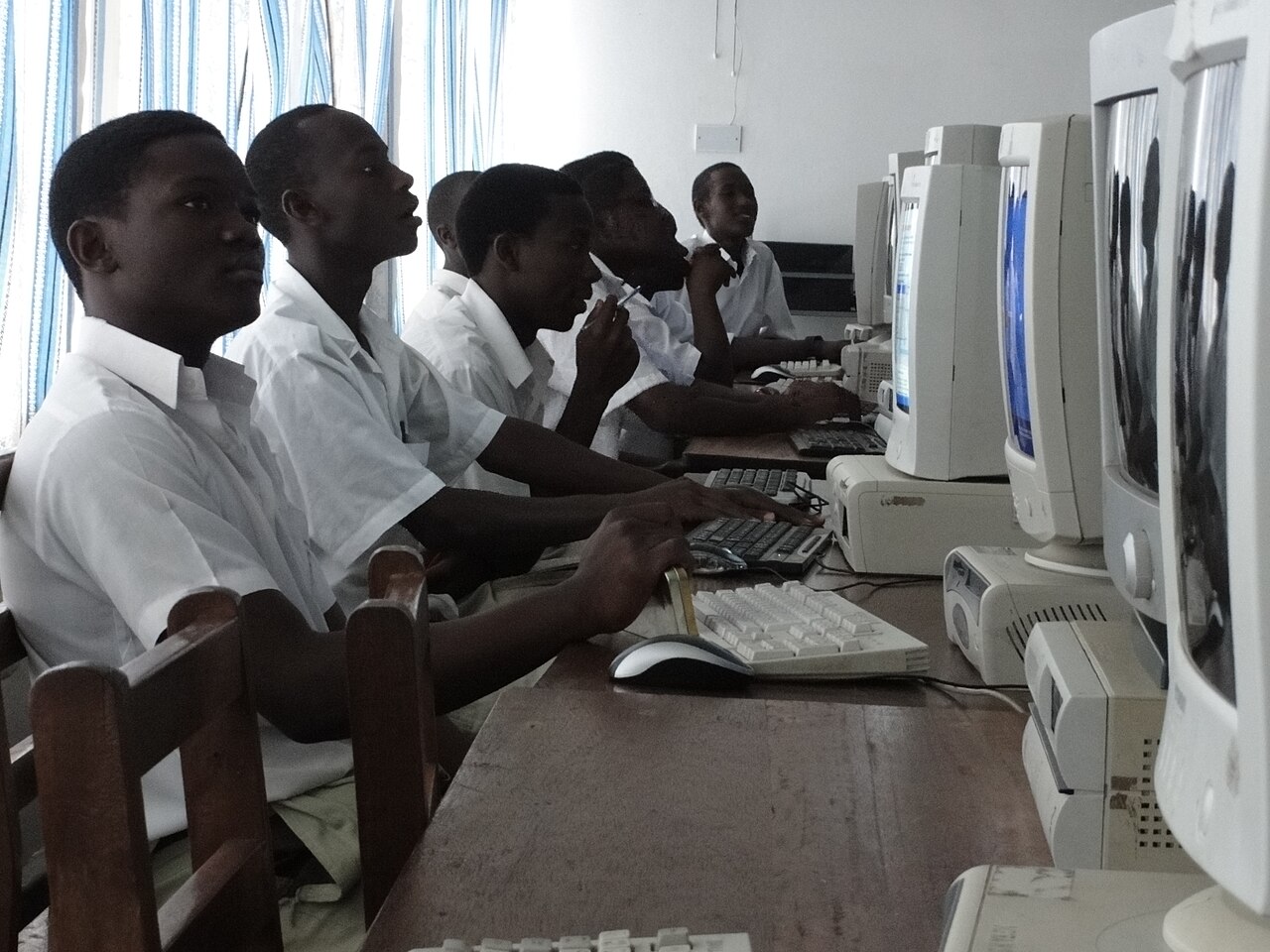
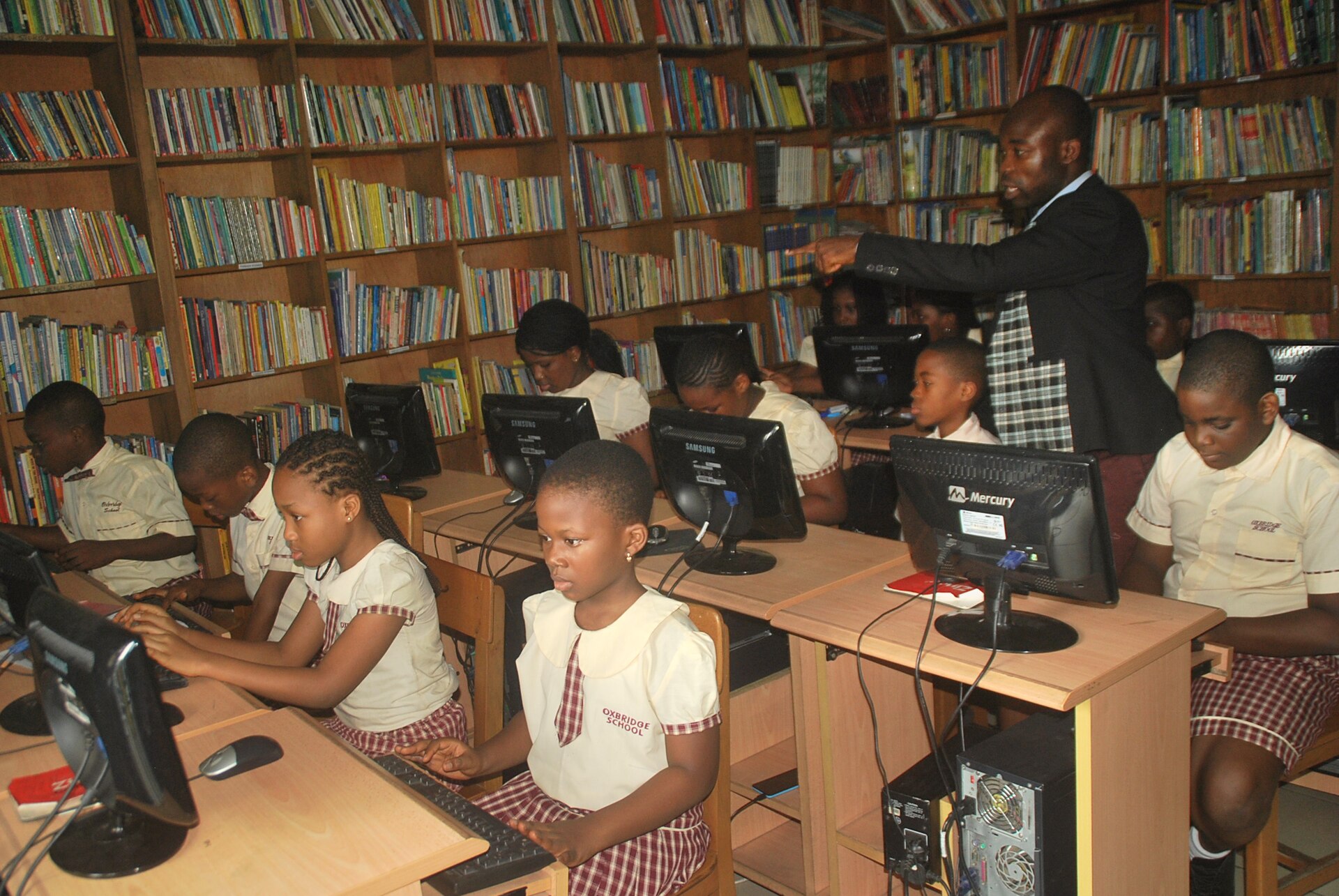
Affordable for every school
A whole school protected from UGX 57,000 a month, payable by Mobile Money
See plans & pricingDevices, licenses, servers and digital safety — one console for your whole school network, built for IT teams who'd rather prevent problems than chase them.
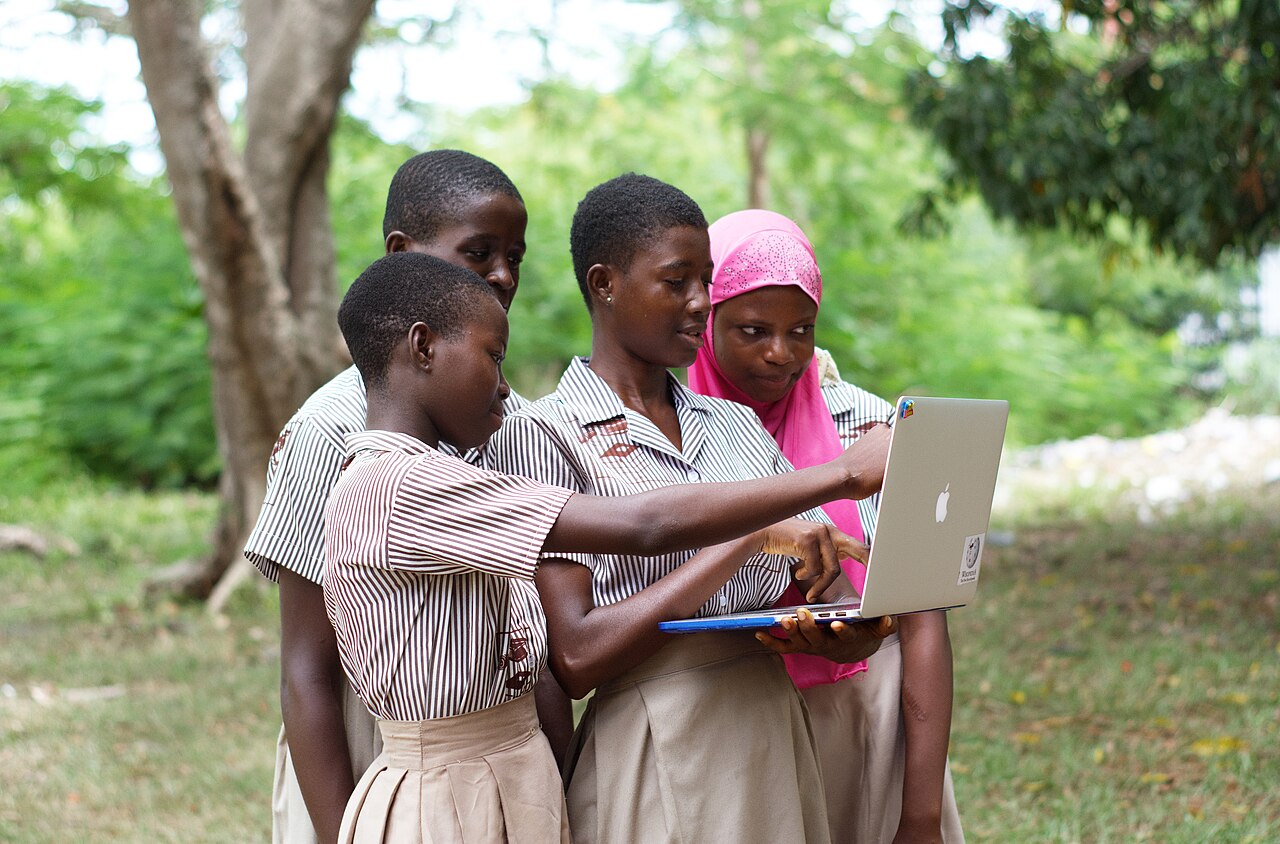
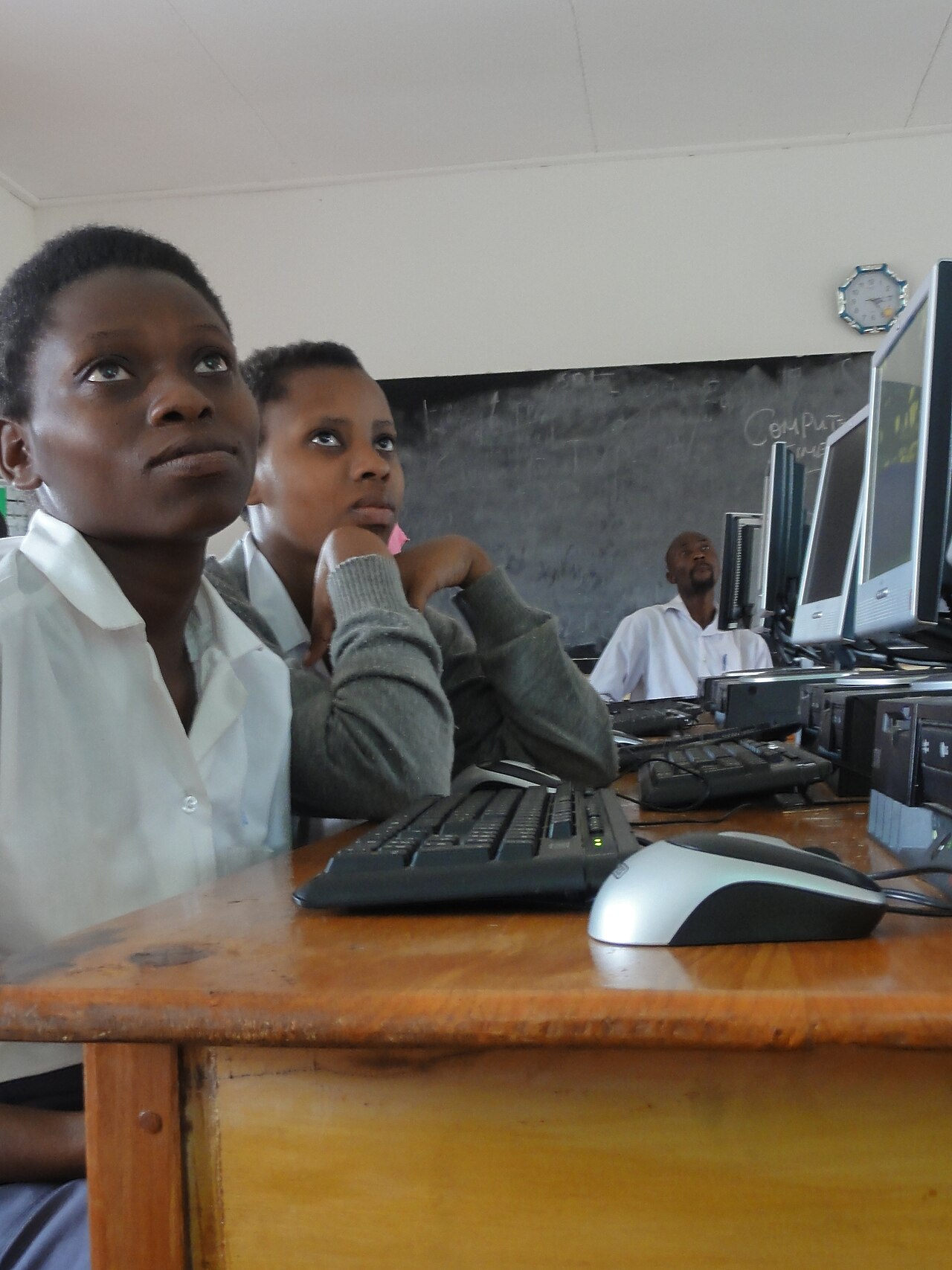
A blocked site attempt in Lab 2 was flagged and closed by the Safety Lead in minutes.
A whole school protected from UGX 57,000 a month, payable by Mobile Money
See plans & pricingStart with one school and grow into a foundation or diocese network, all from the same console.

Students thumb in when they borrow a device and again when they return it. Anything still out after 6 PM triggers a message to the parent.
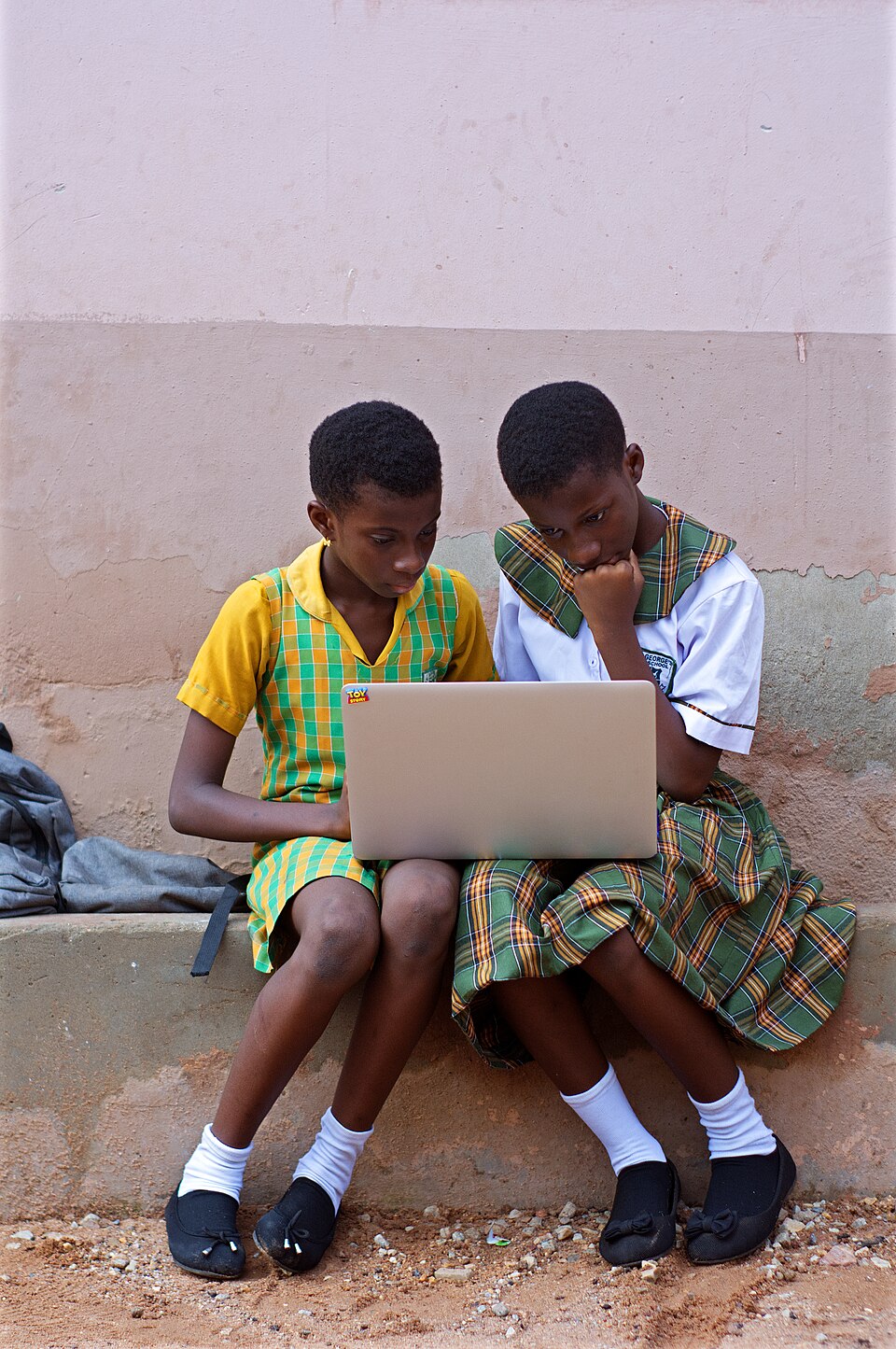
SchoolGuardian is built around the real school day: shared computer labs, borrowed laptops and IT teams of one. So every device is accounted for, every learner is safer online, and every parent stays in the loop.
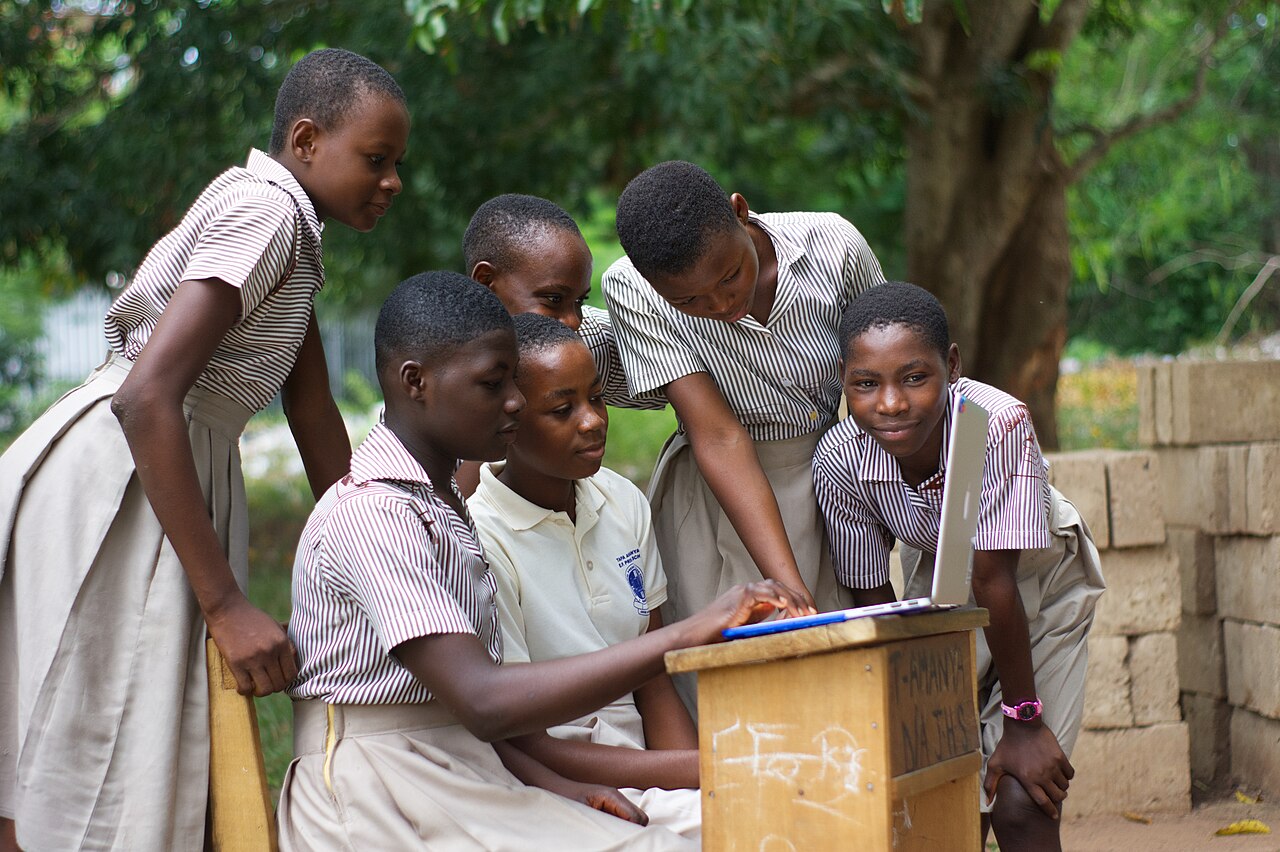
Students thumb in at the device store before lessons. Every laptop is logged against the learner who took it, so nothing walks out unrecorded.
Learn more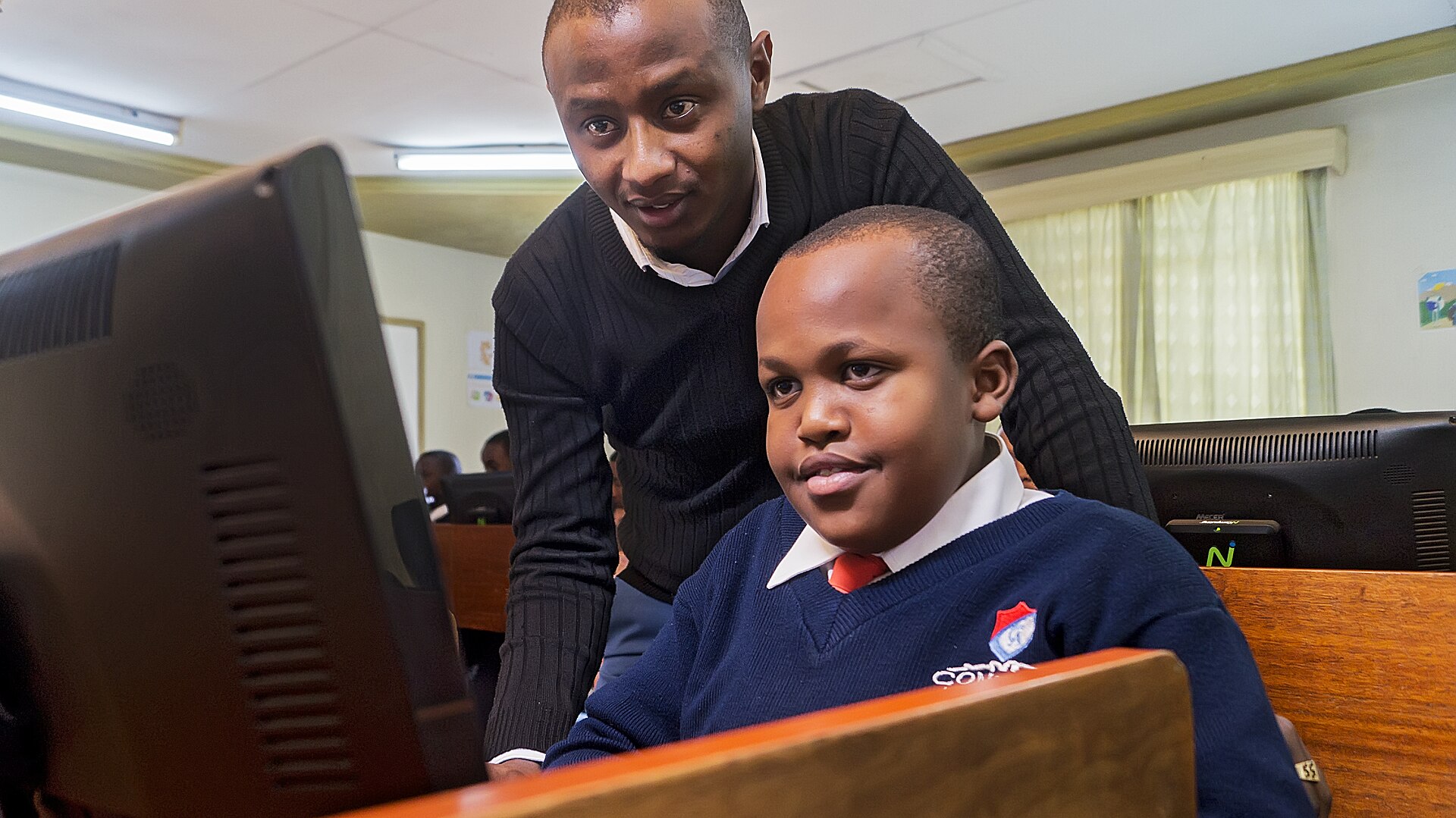
Content filtering keeps the lab on task, and anything worrying reaches the Safety Lead in real time, without the teacher watching every screen.
Learn more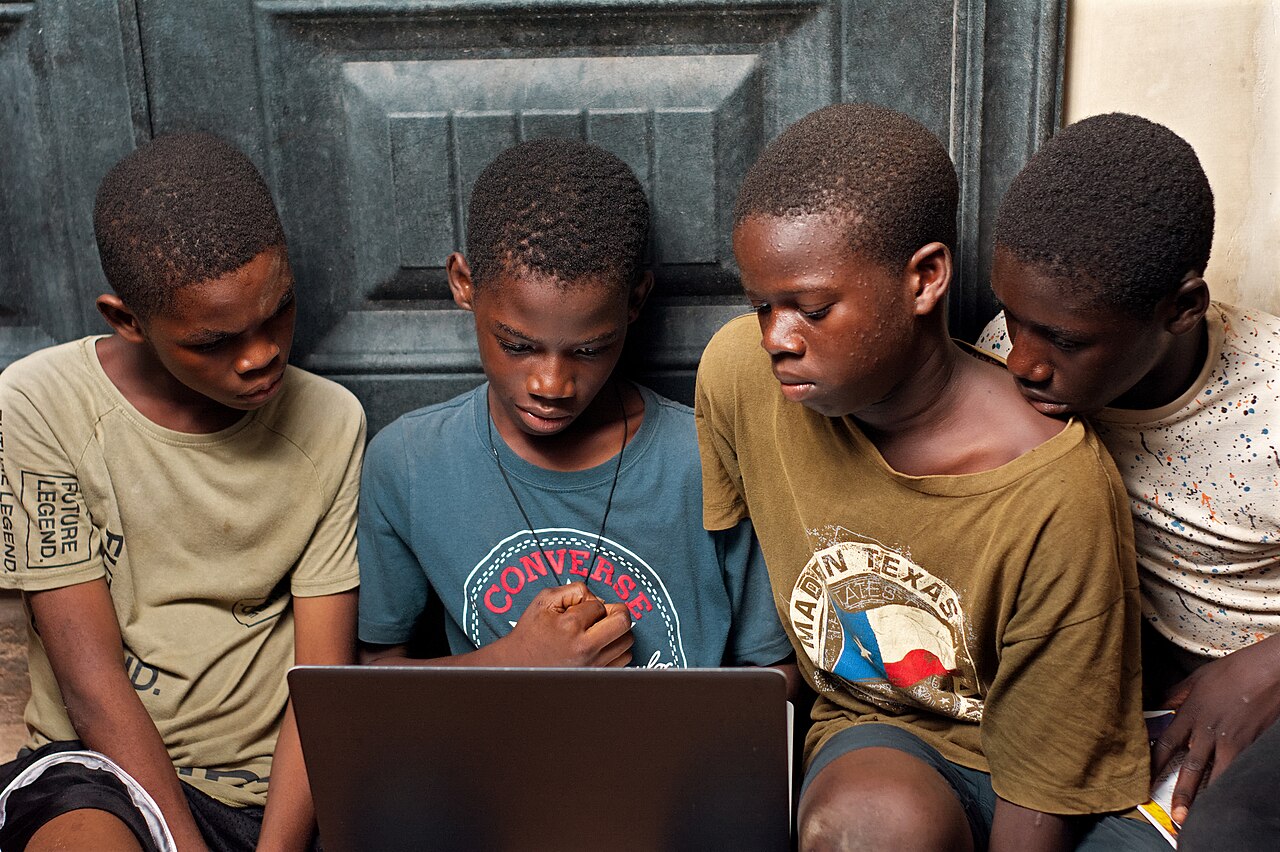
Students thumb in again on return. Anything still out after 6 PM triggers an SMS and an email to the parent, automatically.
Learn more
One login for every campus, with each school still running its own day.

No more spreadsheets of keys and expiry dates.
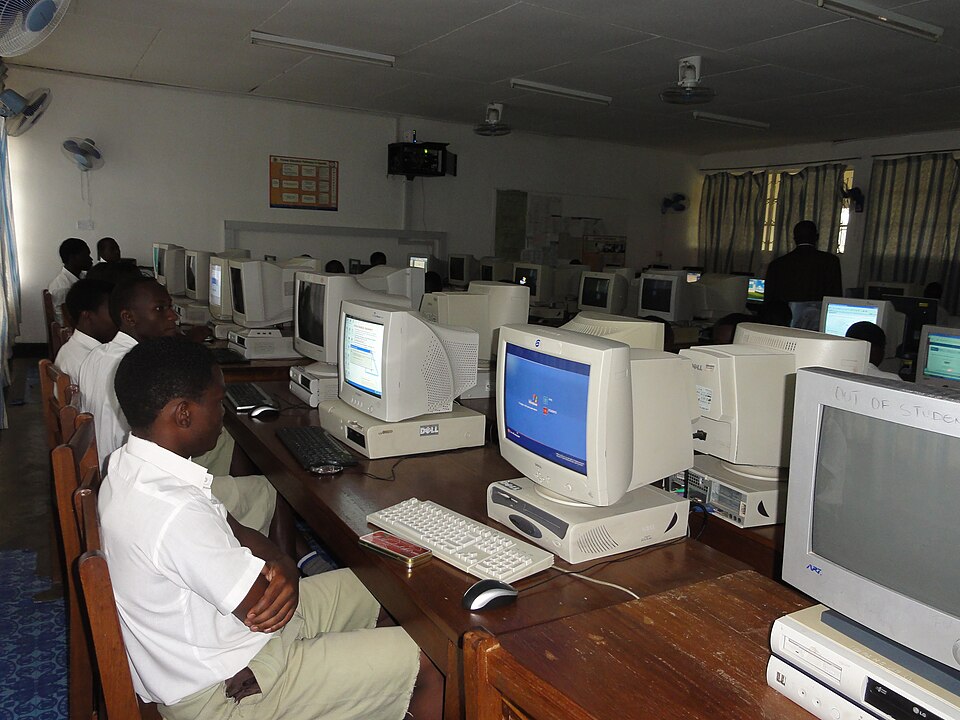
Know which machines are healthy before the first lesson starts.
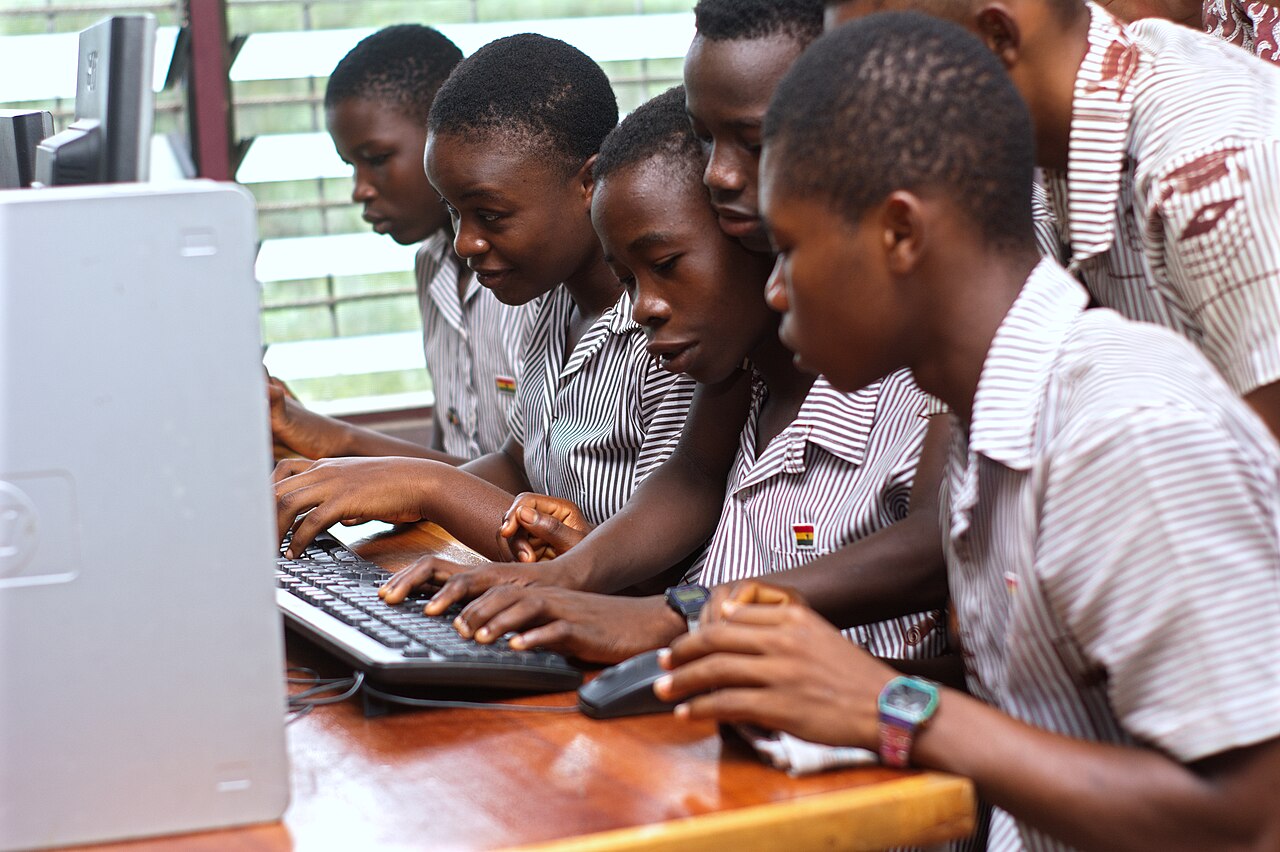
Students borrow devices like library books, and every one comes back.

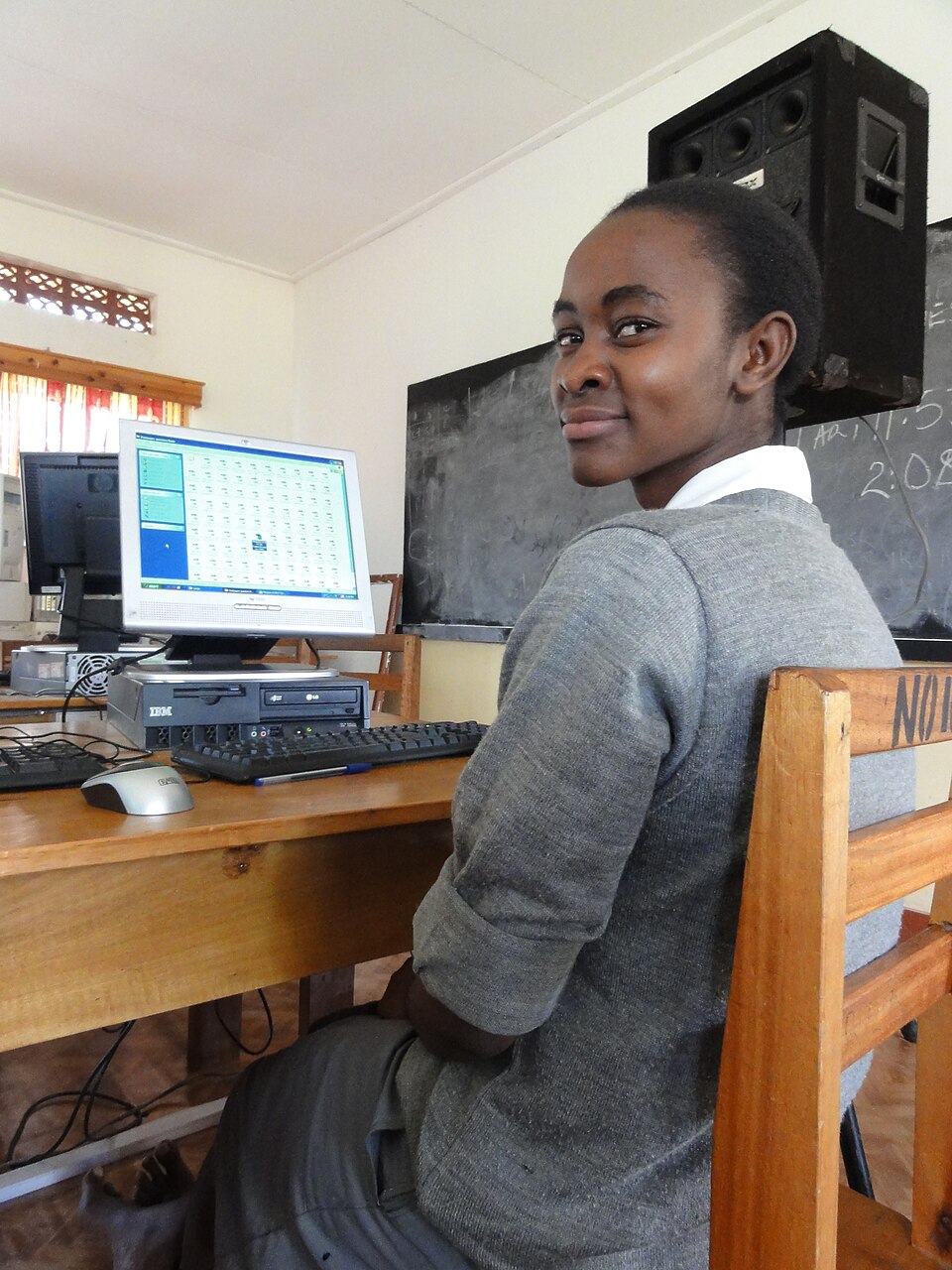
Learners explore safely, and the Safety Lead hears about problems first.
Answer the head teacher's questions in minutes, not days.
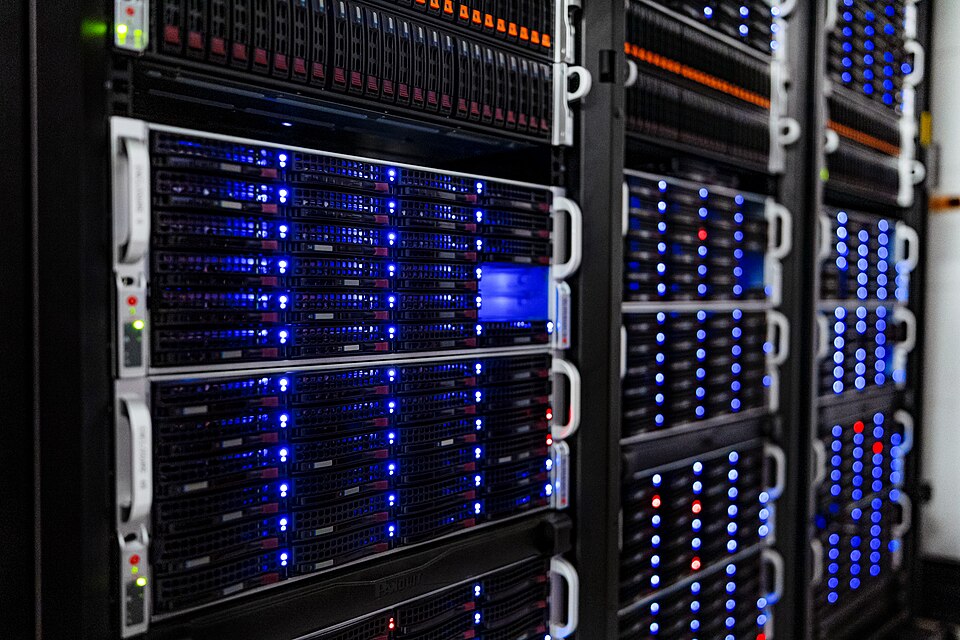
Keep your data where you need it, and see that it is running.
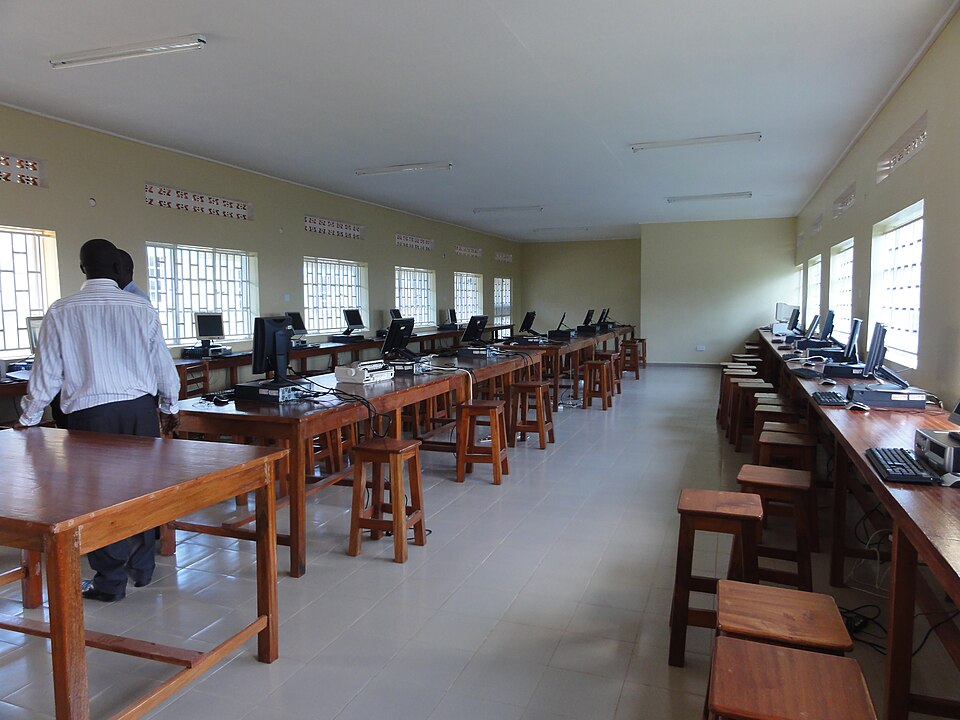
“SchoolGuardian cut our device audit time from weeks to hours. Renewal is finally automated across all our campuses.”
Any device not back by evening triggers an SMS and email to the parent, automatically.
A month protects a whole school on the Starter plan, payable by Mobile Money.
Start with one school and grow to a whole network. Every plan includes a 14-day free trial.
Each student’s thumbprint is enrolled once under Student Data. At the station they place their thumb on the reader and SchoolGuardian recognises them automatically, then checks their devices out or back in.
Staff can use the manual check instead: search for the student or scan a device’s asset tag and confirm. Those check-outs are marked “manual” so you can see how often it happens.
Yes. If a device isn’t back by the evening cutoff (6 PM by default), the parent is emailed and texted automatically, and the responsible teacher is notified when devices go out and come back.
A computer with an internet connection and a USB fingerprint reader (DigitalPersona / HID U.are.U) for the device store. A barcode scanner for asset tags and a receipt / voucher printer are optional. Package prices cover the software; we can supply and install the equipment, or you can use compatible equipment you already have.
Only staff accounts at that school. Teachers use the device store day to day; billing, licences, staff and settings are for school admins only.